BPM Studio Overview
BPM Studio is the mindzie workspace for modeling business processes with the BPMN 2.0 standard. You draw processes on an interactive canvas - or let AI draft them from a picture, a procedure document, a Visio file, or a description you type - then organize the models into projects, share them with your team, and publish the finished ones for the whole organization.
What You Can Do
- Model processes in BPMN 2.0 - Place events, tasks, gateways, pools, and lanes on a full-featured canvas, with a context pad that creates and connects elements in one step, automatic layout, alignment tools, and undo/redo.
- Generate models with AI - Turn a photo or screenshot of a flow, a procedure document (PDF, Word, text, or Markdown), or a Visio file into a ready-made BPMN model - or describe the process in your own words and let the agent build it. A library of 100 ready-written process descriptions gives you a starting point for the processes most organizations run.
- Catch problems before anyone else does - A live Lint panel reviews structure, connectivity, gateway logic, and naming as you work, with one-click fixes for common mistakes.
- Organize work in projects - Group related models into projects, add team members with the right level of access, and keep the source files used for AI generation alongside the models.
- Keep every version - Each save records a numbered version. Browse the full history of any model, see who changed what, and download an earlier version.
- Discuss the model - Comment on a model, reply in threads, and resolve a discussion once it is settled.
- Publish to the Repository - Publish a finished model so it appears in your organization's Repository, a single place to find approved process models across all projects. Publishing also locks the model so it cannot drift while others rely on it.
- Export and share - Export any model as PNG, SVG, PDF, Visio, BPMN, or a written Markdown document, or share a link that respects each person's project role.
The Workspace at a Glance
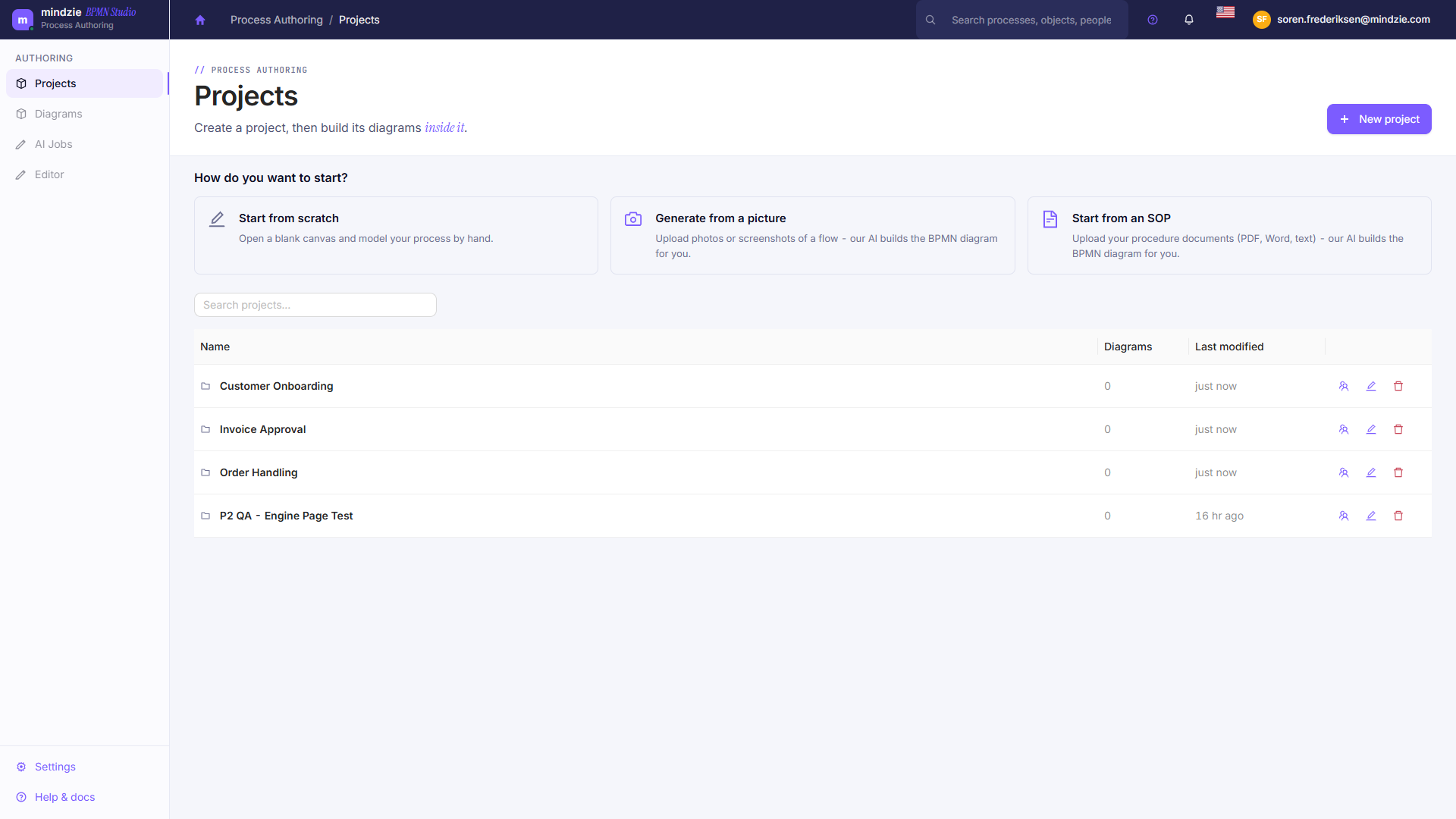
When you open BPM Studio you land on the Overview - a dashboard showing how many projects and models you have, how many are drafts and how many are published, your recent activity, the drafts you still have in progress, and what was published most recently.
Working in Your Own Language
The BPM Studio interface, the editor, and the process template library are all available in the same set of languages as the rest of mindzieStudio. Switch with the flag in the header, and the whole workspace follows.
Where BPM Studio Fits
BPM Studio is one of the mindzie platform modules, alongside Process Intelligence (process mining and task mining) and Data Designer (event log construction). All modules share the same sign-in, tenants, and projects, and you switch between them from the module selector that appears after you sign in.
Next Steps
- Opening BPM Studio - sign in and find the module.
- Creating Your First Model - a five-minute quickstart.
- Editor Overview - learn the editor screen.