Module Selector and Home Page (Alpha)
mindzieStudio is a family of three modules. After you log in and pick a tenant, the Module Selector (the Home page) lets you choose which one you want to work in.
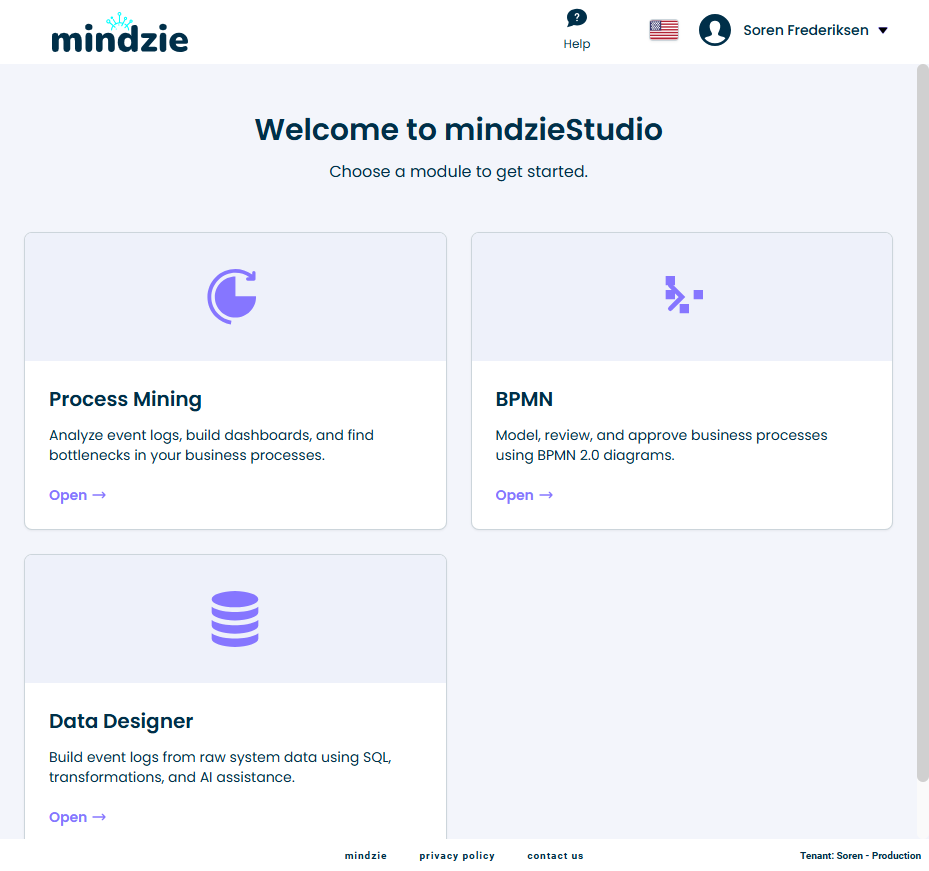
Alpha Feature: The Module Selector is currently in alpha and is only visible to tenants with PreRelease enabled. Naming and visual design may change before general release.
The three modules
| Module | What it's for |
|---|---|
| Process Mining | Investigations, dashboards, and datasets - the analytics surface most users start with |
| BPMN Studio | Building and approving BPMN 2.0 process diagrams |
| Data Designer | Building event logs from raw system data (ETL) |
You see all three cards on the Home page. Which ones you can actually open depends on your role.
Who can use each module
Access to each module is controlled by your role on the tenant:
| Module | Minimum role |
|---|---|
| Process Mining | User |
| BPMN Studio | Analyst |
| Data Designer | Developer |
If your role is below the minimum for a module, opening its card will not take you in. Ask your tenant administrator if you need a higher role.
Getting back to the Home page
Once you're inside a module, a Home button is always visible in the top chrome. Click it to return to the Module Selector and switch to a different module - no need to log out or reselect the tenant.
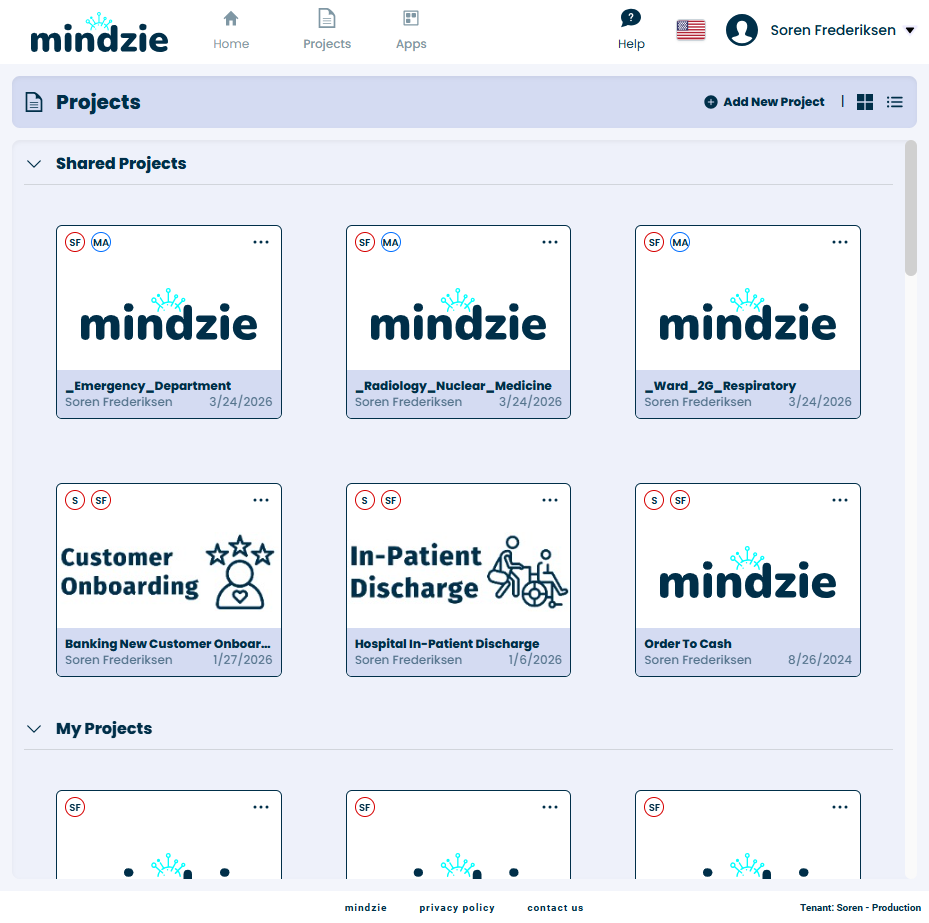
Inside Process Mining
The Home button sits at the top-left of the header, immediately to the right of the mindzie logo. The logo is also clickable as a Home affordance.
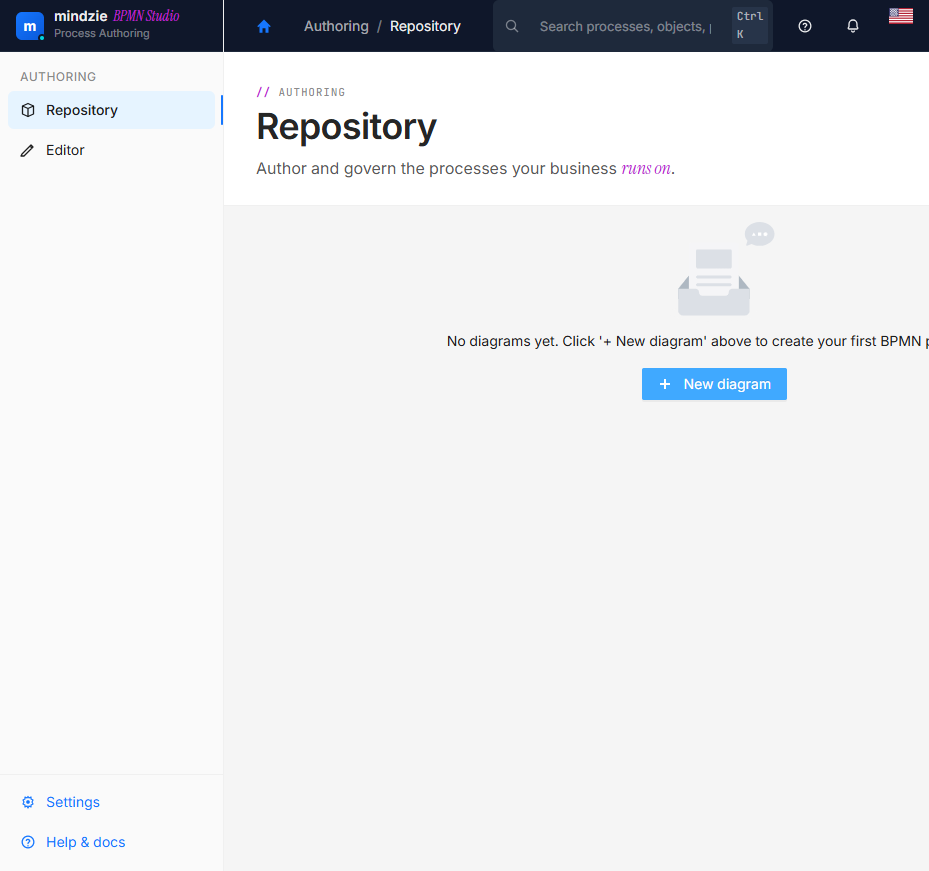
Inside BPMN Studio
A house icon at the leftmost position of the BPMN header.
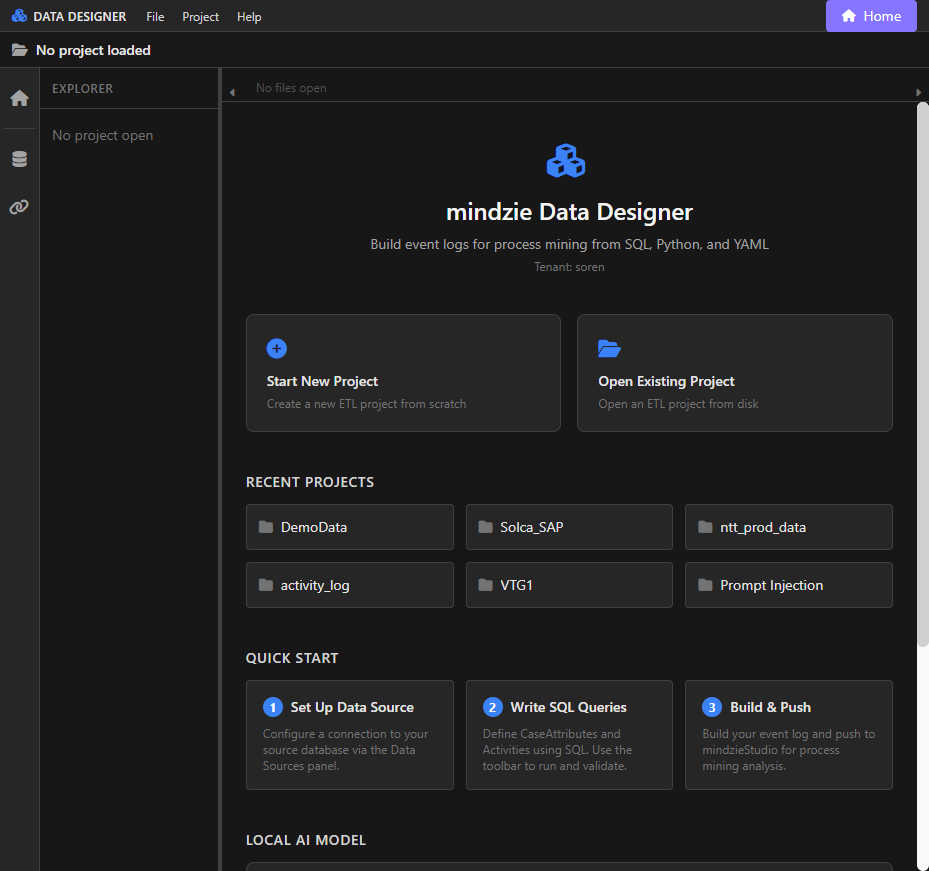
Inside Data Designer
A purple Home button at the top-right of the Data Designer toolbar.
Direct entry URLs
You don't have to land on the Home page every time. Three short URLs take you straight into a specific module:
| URL | Goes to |
|---|---|
/studio |
Process Mining |
/bpmn-studio |
BPMN Studio |
/data-designer |
Data Designer |
These URLs are bookmarkable and shareable. They work whether or not you are already signed in - if you're not, you'll be asked to sign in and pick a tenant first, then you'll land in the module.
Examples:
https://yourserver.mindzie.com/studio- send a teammate straight into Process Mininghttps://yourserver.mindzie.com/bpmn-studio- send a process modeler straight into BPMN Studiohttps://yourserver.mindzie.com/data-designer- send an ETL author straight into Data Designer
Feedback
This is an alpha feature, and we want your feedback. Things we particularly want to hear about:
- Are the card labels and descriptions clear?
- Did the Home button feel easy to find in each module?
- Did the direct URLs work the way you expected when bookmarked?
Send feedback to support@mindzie.com with subject "Alpha Feedback: Module Selector".