Repository
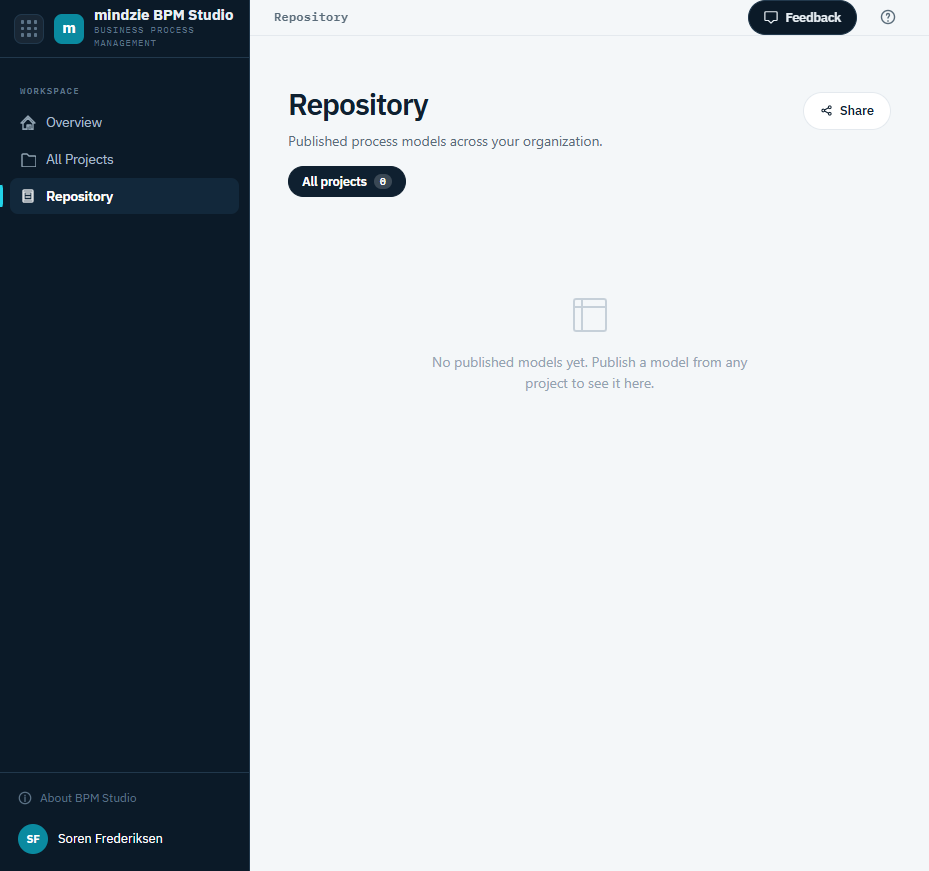
The Repository is your organization's single place to find published process models across every project. Open it with Repository in the workspace sidebar.
What the Repository Shows
The Repository lists every model that has been published, drawn from all the projects you can access. Each entry shows the model, its project, its version, and when it was published. Use the project filter chips to focus on the published models from a single project, or All projects to see them together.
A model only appears here after someone publishes it from its project - until then the Repository shows that there are no published models yet.
Publishing a Model
You publish a model from the project that contains it - from the model's options menu on the Models page, or with the Publish button on the model's detail page. See Managing Models.
Working with a Published Model
Use the options menu (the three dots) on a Repository entry to:
- Open in project - go to the model in its project.
- Download .bpmn - download the model's BPMN file.
- Unpublish - remove the model from the Repository (available if you have edit access to its project).