AI Copilot
Prefer to watch? This tutorial is also available as a video.
Overview
The mindzie AI Copilot is an intelligent assistant designed specifically for process analytics and process improvement. It provides quick answers and insights about your process data through a simple chat interface.
Accessing the AI Copilot
The AI Copilot is available in two main locations:
- Dashboards - Access from the right-hand side panel
- Analysis Pages - Available on the right-hand side during analysis
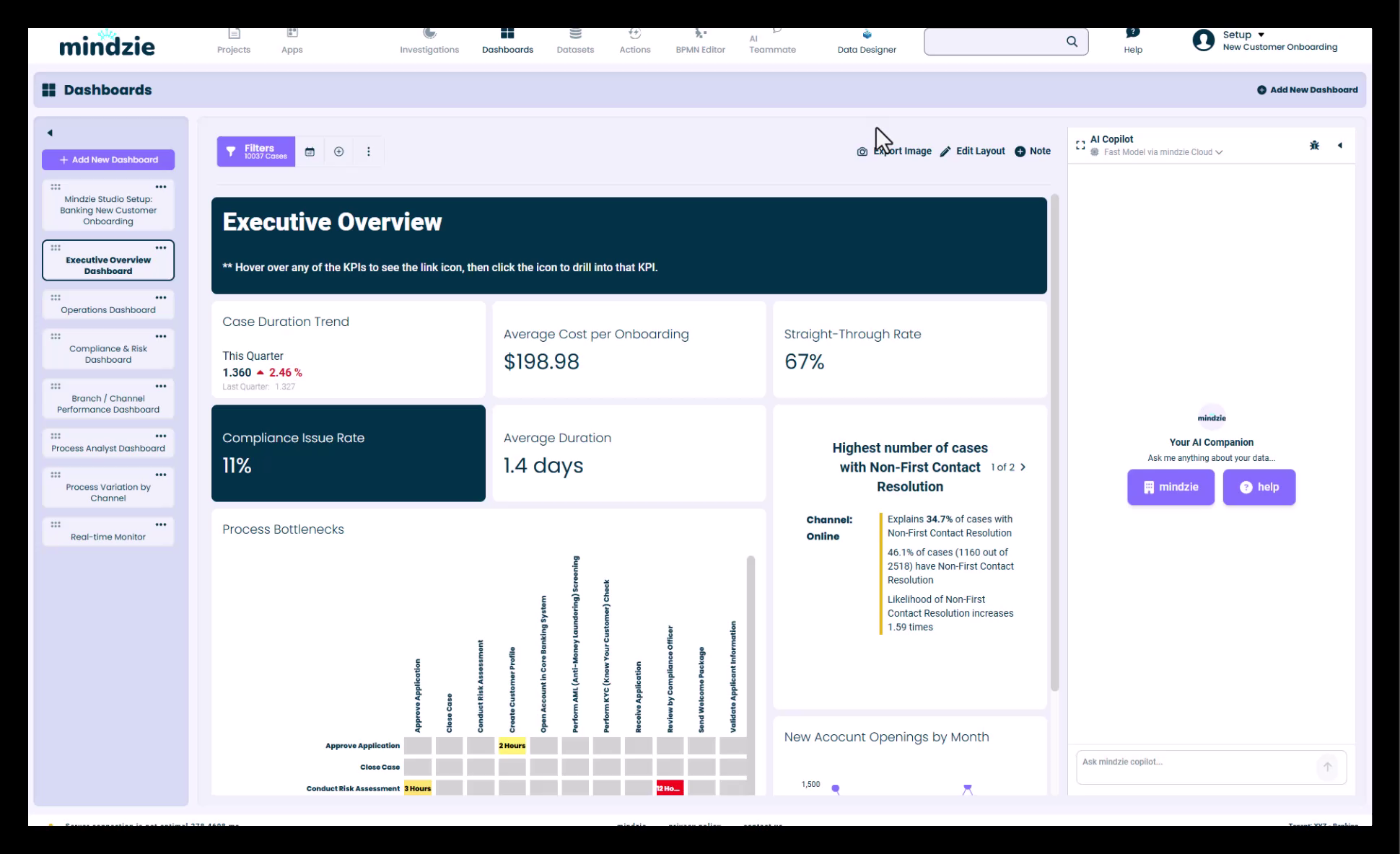
AI Model Selection
The AI Copilot supports multiple AI models to suit different use cases:
Available Models
- Fast Model - Optimized for quick answers and rapid responses
- Thinking Model - Provides more detailed analysis and complex reasoning
Switching Between Models
To change the AI model:
- Click on the model name displayed on the right-hand side of the screen
- A model selector prompt will appear
- Choose between the available models
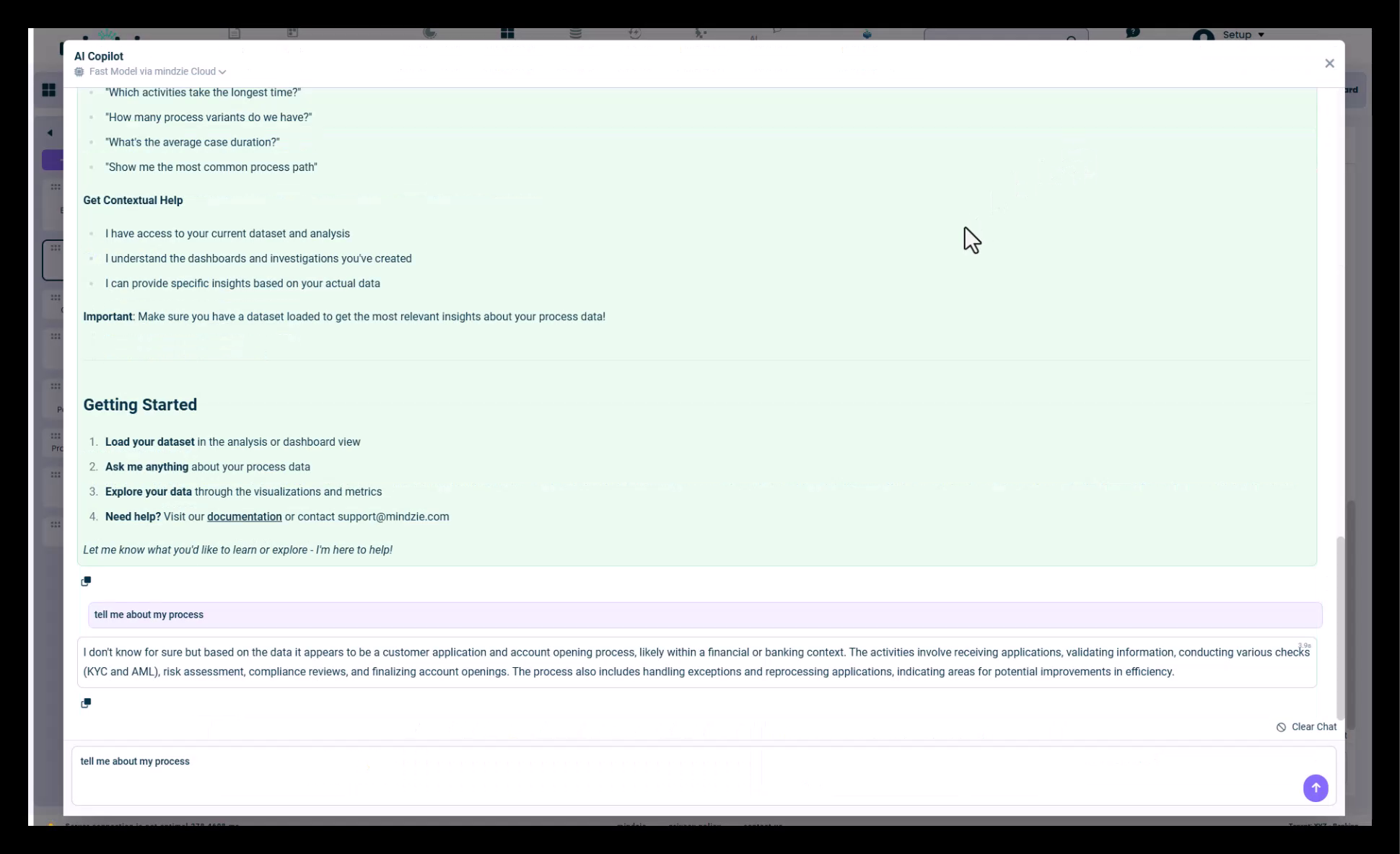
Custom AI Configuration
The AI Copilot can be configured to use your own AI setup and custom models:
- Default models are provided when using mindzie's AI configuration
- Custom AI models can be configured through administrative settings
- Once configured, your custom models will appear in the model selector
For information on setting up custom AI models, refer to the AI Model Configuration documentation in the Administration section.
Using the AI Copilot
Quick Access Buttons
The AI Copilot provides quick access to common process analytics queries:
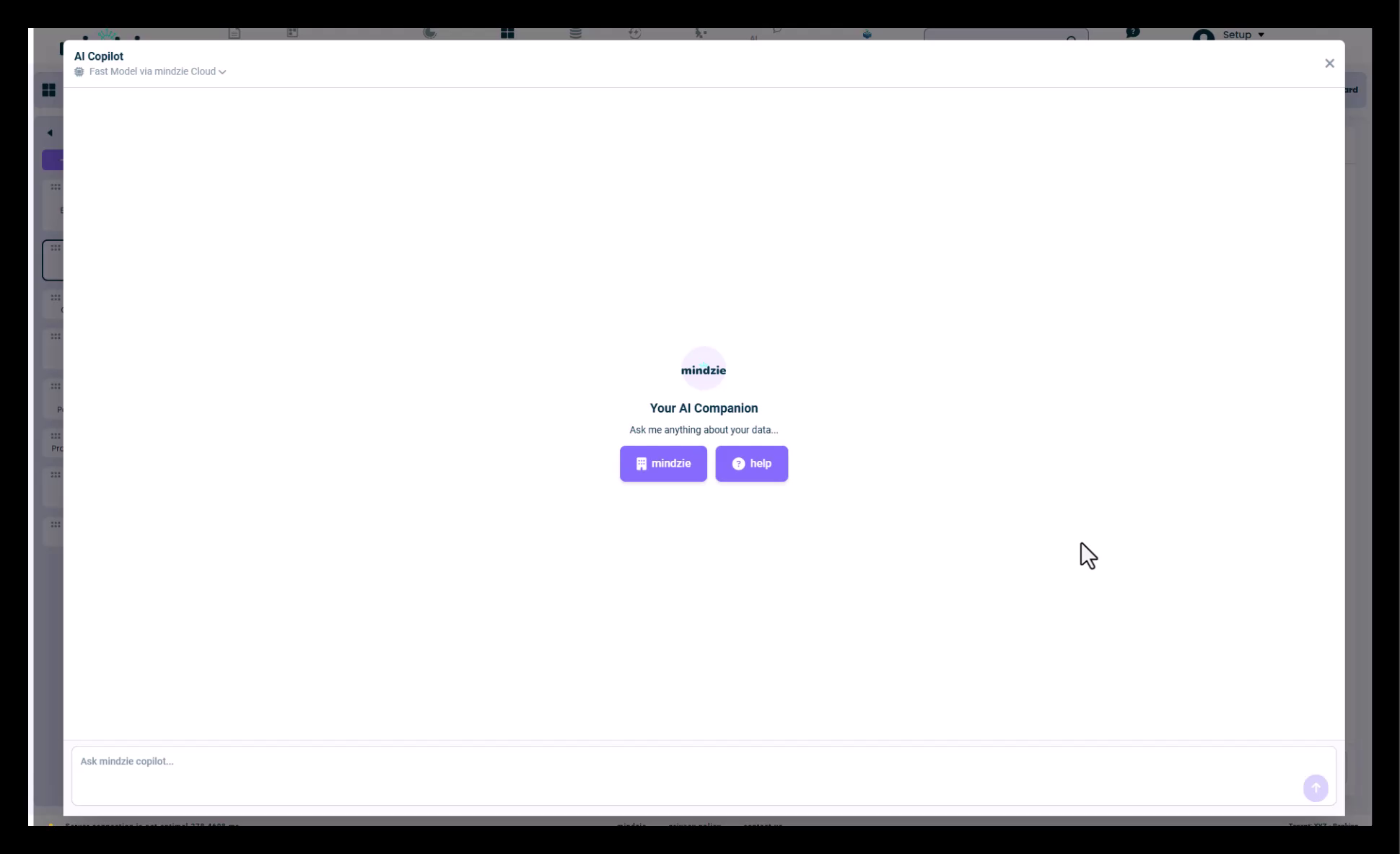
Click the "mindzie" button to access pre-configured prompts that help you:
- Learn about mindzie features
- Get process-specific information
- Access common analytics functions
Example Questions
You can ask the AI Copilot a wide variety of questions about your process:
- "Tell me about my process"
- "Tell me what I should fix"
- "Make some recommendations"
- "Tell me what activities are in the process"
- Request process insights and analytics
- Get process improvement suggestions
Interface Features
Full Screen Mode
For more advanced interactions requiring additional screen space:
- Click the square icon in the AI Copilot panel
- The Copilot will expand to full screen mode
- This provides more room for complex conversations and detailed responses
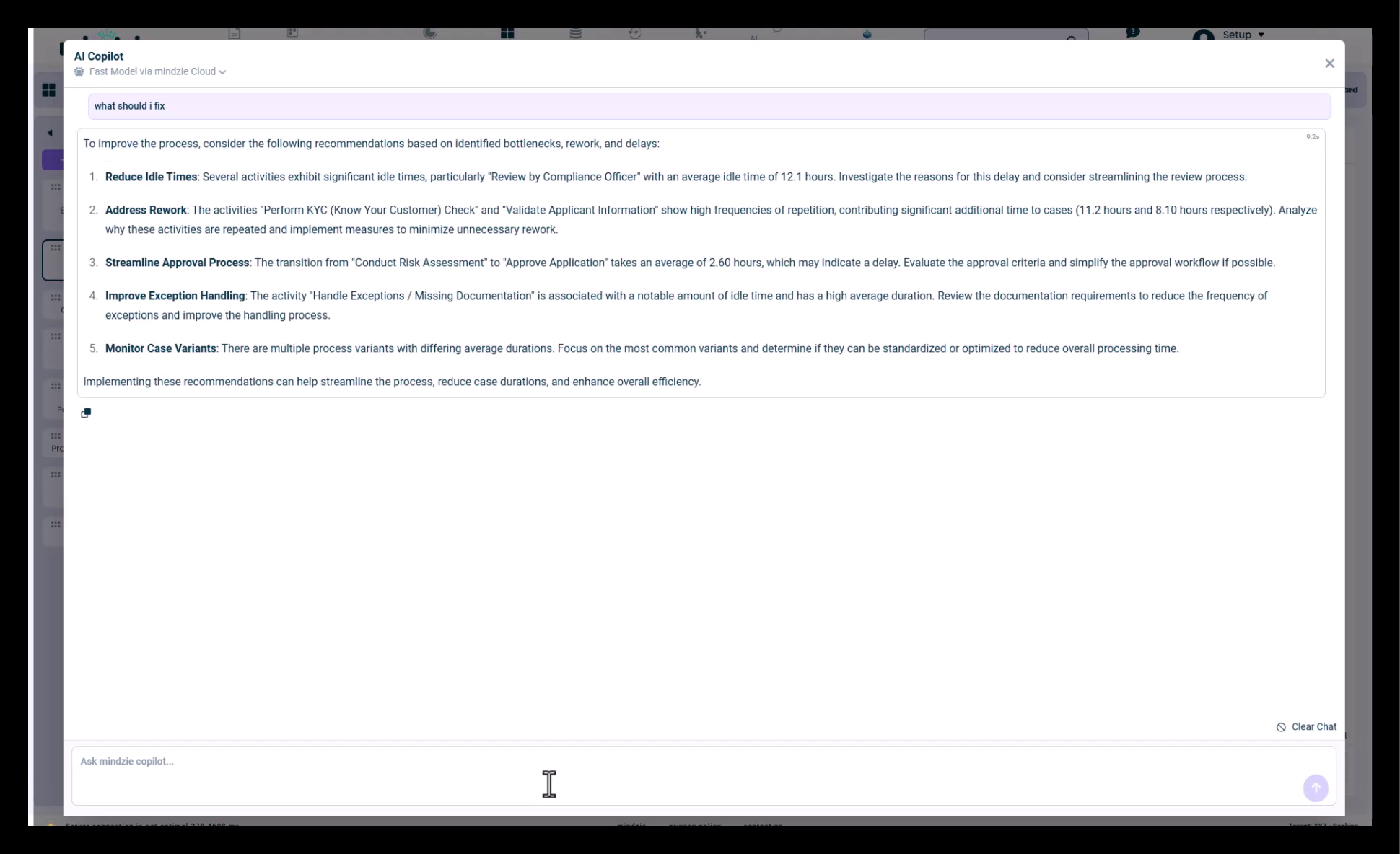
Clear Chat
To start a fresh conversation:
- Locate the "Clear Chat" button at the bottom of the AI Copilot panel
- Click to reset the conversation history
- Begin a new chat session with a clean slate
AI Copilot Focus
The AI Copilot is specifically designed as an AI assistant for process analytics. It focuses on:
- Process intelligence and insights
- Process improvement recommendations
- Activity and workflow analysis
- Performance metrics and KPIs
- Bottleneck identification
- Optimization opportunities
Best Practices
- Be Specific - Ask clear, focused questions about your process
- Use Context - The AI Copilot understands your current process data
- Iterate - Refine your questions based on initial responses
- Choose the Right Model - Use the Fast Model for quick checks, Thinking Model for complex analysis
- Clear When Needed - Start fresh conversations for different analysis topics
Support
For additional assistance with the AI Copilot:
- Refer to the AI Model Configuration documentation for custom setup
- Contact mindzie support for advanced configuration options
- Check the latest documentation for new AI Copilot features and capabilities